Genesis Foods Feature Spotlight: Food Comparison Report
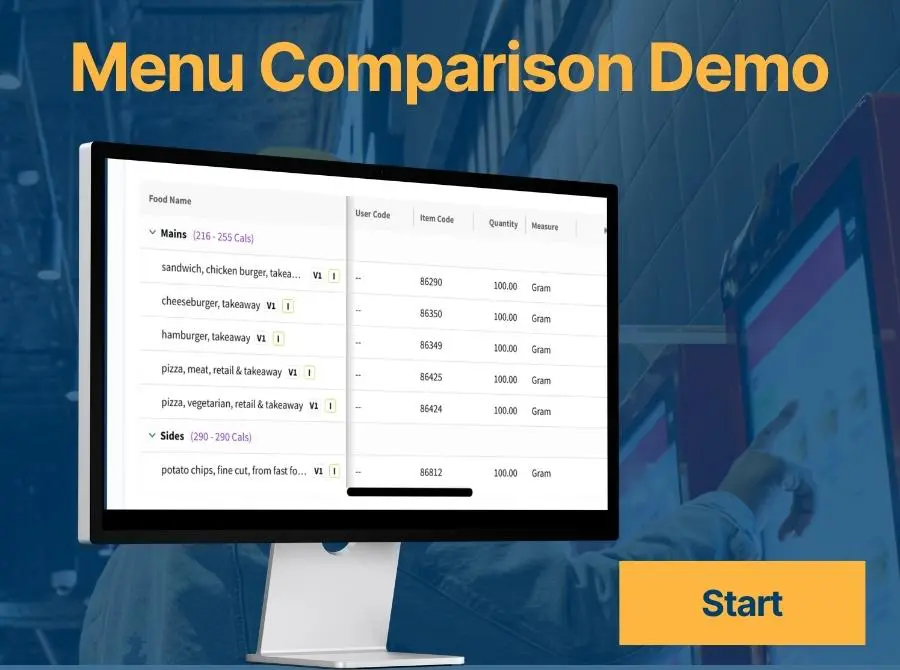
In this video, we walk through the full capabilities of the Food Comparison Report, including how to:
-
Create and manage reports across users in your organization
-
Add and organize food items into custom categories
-
Search for and add multiple versions of recipes and ingredients
-
Customize data columns and apply authority-specific label rounding
-
Export reports in CSV or Excel format for easy sharing
The Food Comparison Report gives you a flexible framework to evaluate changes, make data-driven decisions, and streamline collaboration. Watch the walkthrough and explore how this tool can support your team’s work across formulation, labeling, and beyond.
Check out our other labeling compliance resources.